In the Hub under Boxes you see every box and control it remotely – without sitting at the event PC.
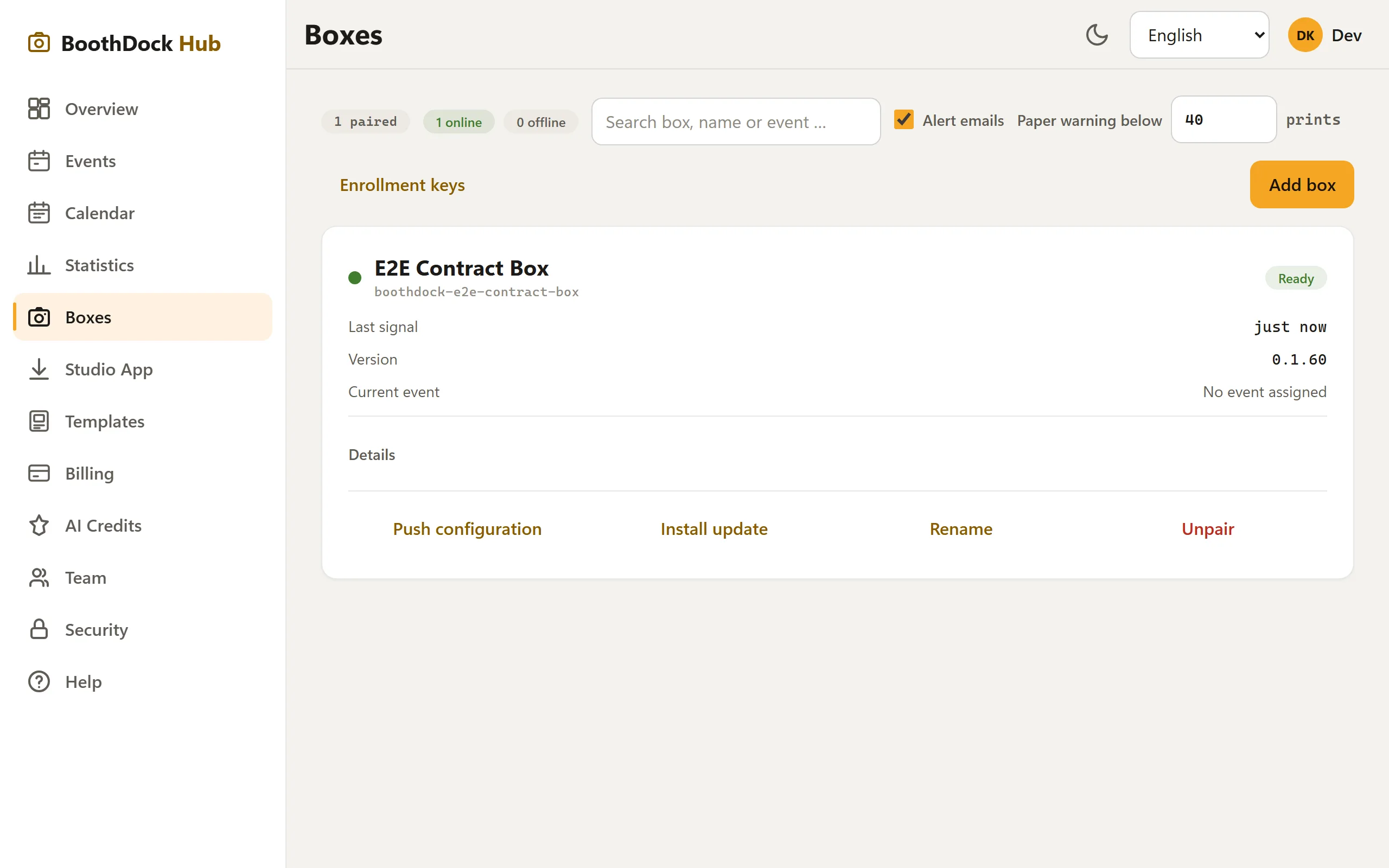
Status at a glance
Every box regularly reports its heartbeat: online/offline, app version, paper and queue level, CPU/RAM/latency. This way you spot problems before the customer calls.
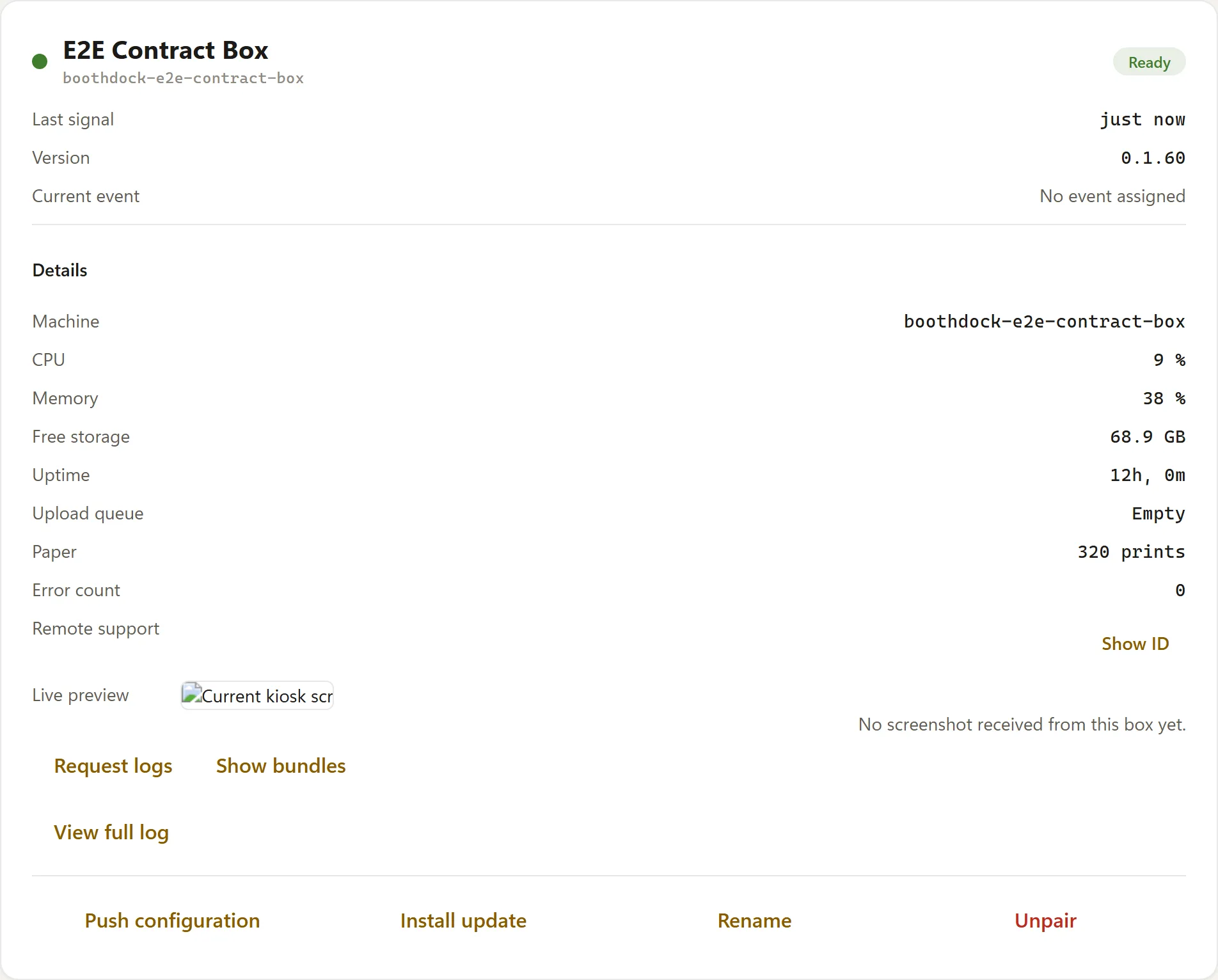
Remote support (one click)
Via Open connection you start an embedded remote support session directly in the Hub (encrypted, with file access) – no third-party link, no second tool. This lets you look at the event PC as if you were sitting in front of it.
Remote commands
For each box you can trigger specific commands. They are executed as soon as the box is not currently serving a guest:
| Command | Effect |
|---|---|
| Refresh configuration | The box reloads the event package and settings immediately (instead of waiting for the next interval). |
| Trigger update | The box checks for an app update and applies it. Appears per box only from version 0.1.58 onward. |
| Request logs | The box packages its logs and uploads them – for support. |
The box honestly shows on its card whether a command is still waiting to be picked up or has failed.
Next steps
- Install and pair a box
- Box updates
- Remote support stuck? → Troubleshooting: remote support