Pairing fails
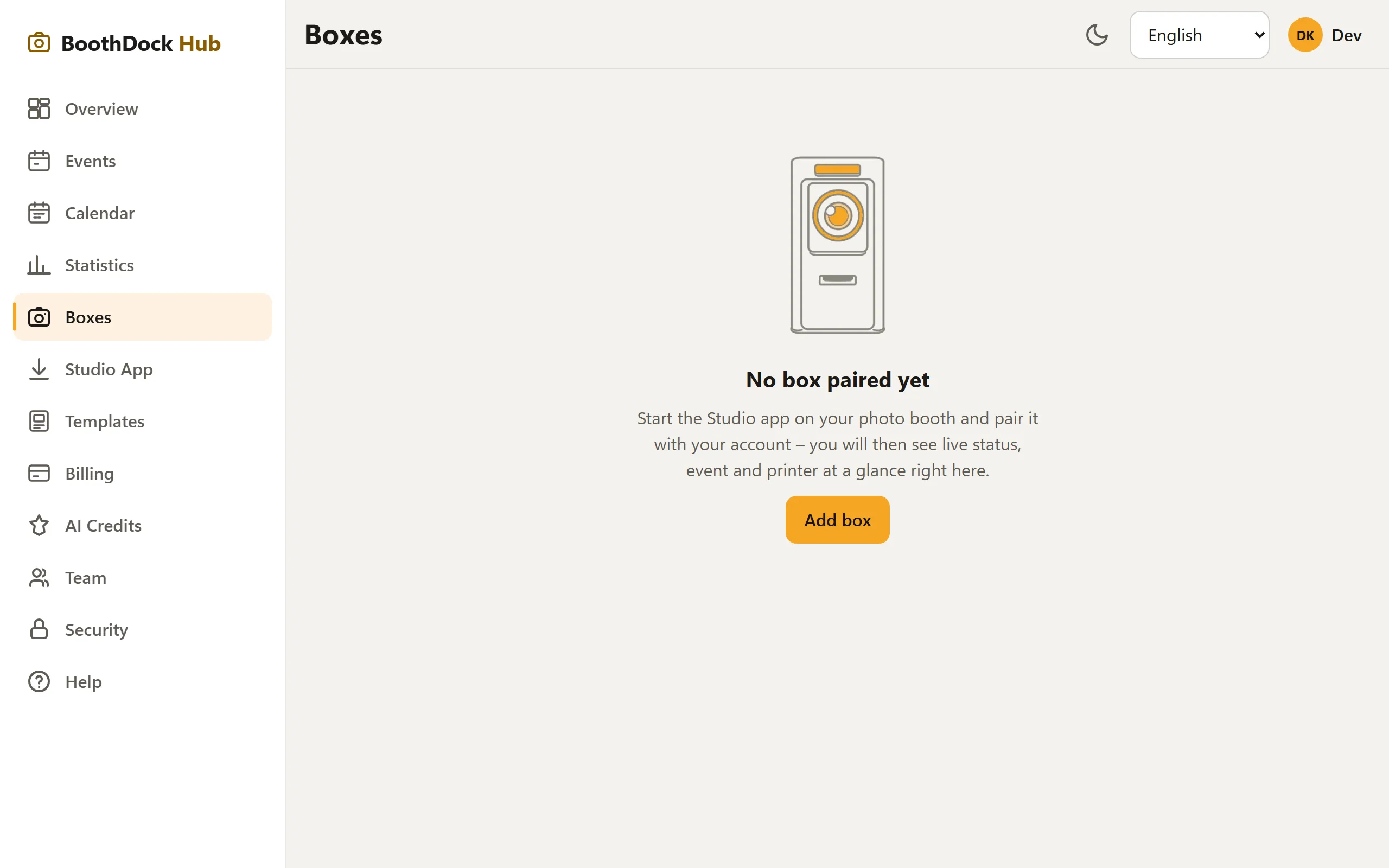
- Use a fresh pairing code: BoothDock Studio shows it during pairing, and it expires after a short time. Expired? Choose Request new code on the box.
- Type the code exactly in the Hub under Boxes → Add box (don't mix up 0/O, 1/I) – or scan the QR code on the box.
- The box needs internet once for pairing – whether Windows PC, iPad or iPhone.
- Enrollment key (bdk_…) rejected? The box shows the reason; then check the key in the Hub under Boxes or create a new one.
Box stays "offline" in the Hub
- Does the box have an internet connection? It only reports its heartbeat while online.
- Wait a moment: the heartbeat arrives on a schedule (not every second).
- Firewall/proxy on the venue's Wi-Fi? BoothDock talks outbound to boothdock.cloud – outgoing HTTPS connections must be allowed.
No longer paired after a reinstall
After some reinstalls, pairing has to be done again. Simply go through the pairing step of the wizard again.