Besides the online gallery in the Hub, the box can offer its own gallery right at the kiosk: guests browse through the event's shots so far directly on the device – completely offline, without internet.
Activating
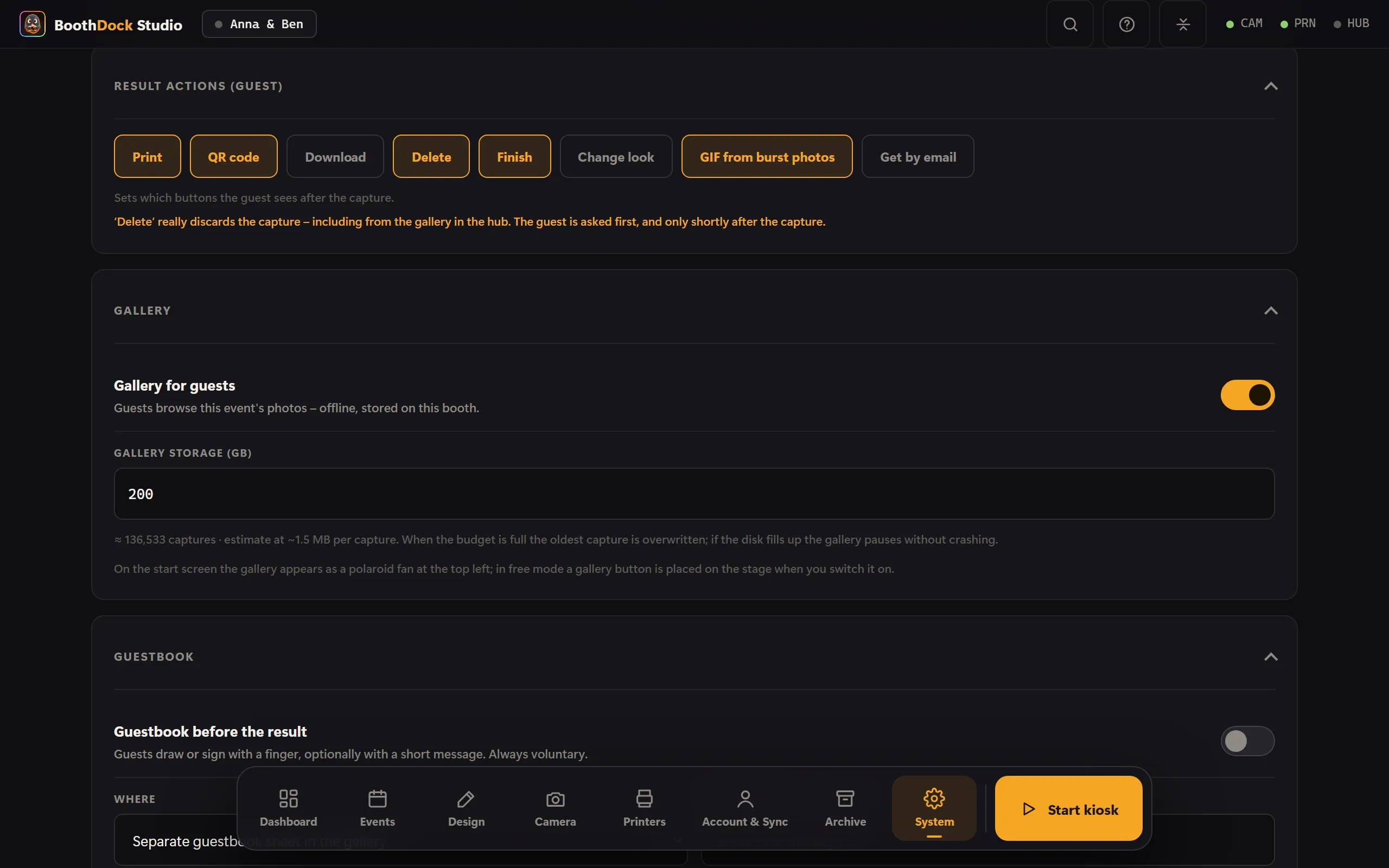
In the admin area under System → Operation → Gallery, turn on the Gallery for guests switch. The gallery then appears on the start screen as a polaroid fan at the top left (in free mode a gallery button is set automatically). In BoothDock Studio 1.4.0 and earlier, the switch is still under Design → Screens.
How it fills up
- Finished result images from sessions are saved once the guest consents to publication – the same gate as the Hub upload.
- If you only turn on the gallery during the event, sessions captured from then on appear retroactively as soon as it's switched on.
Storage space
Under the gallery setting you set a storage budget (GB) (generous by default). A live indicator shows "≈ X shots". If the disk is full, the gallery pauses cleanly (no crash); the oldest entry is dropped first.