"Update now" – nothing visible
Since the progress display was introduced, the app shows "Downloading … % / Verifying … / Installing" while applying an update. If you don't see this:
- Is the box online? There's no update without a network connection.
- Is there actually a newer version? "Check" reports if it's already up to date.
It says up to date, although a newer version exists
The app used to report "up to date" even when it could not check at all - five different situations looked identical to you. Since 0.1.72 it names the reason instead:
- The booth is not paired - without pairing there is no access to the update list. Pair it under Account & sync, and the check finds something straight away.
- The hub no longer knows this booth - the pairing was removed or access was revoked. Pair again.
- The hub could not be reached - check the internet connection and try again.
- Unusable response - try again later; if it persists, the fault is on our side.
If a booth hasn't updated for a while, this is the first place to look - the most common case is a booth that was unpaired at some point.
Update starts, but the app keeps running unchanged afterward
This points to a locked file/a rollback (e.g. antivirus software). The app now actively reports this case to the Hub. Remedy:
- Quit the app and trigger the update again (then no file is in use anymore).
- At night the update runs cleanly during the quiet window anyway, once the box is idle.
Updating remotely
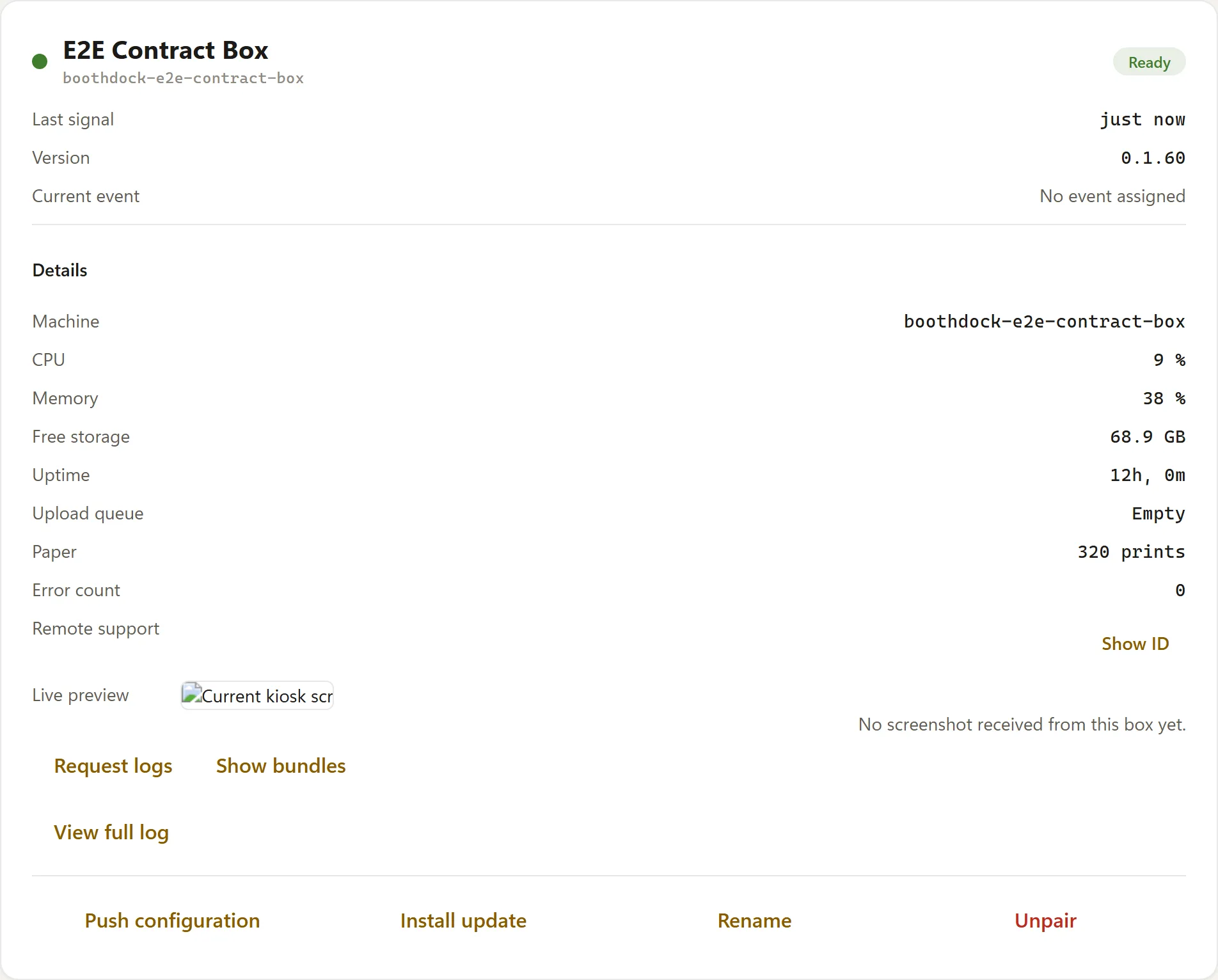
From the Hub: Boxes → Trigger update. The button only appears per box once it reports a version that understands the remote command.