Updates
BoothDock Studio updates itself safely, in three ways:
- Automatically at night – during the quiet window (03:00–05:00), only when the box is currently idle. No action needed.
- Update now – in the admin area under System → Updates. A progress bar shows "Downloading … % / Verifying … / Installing". The app closes at the end and starts back up in the new version.
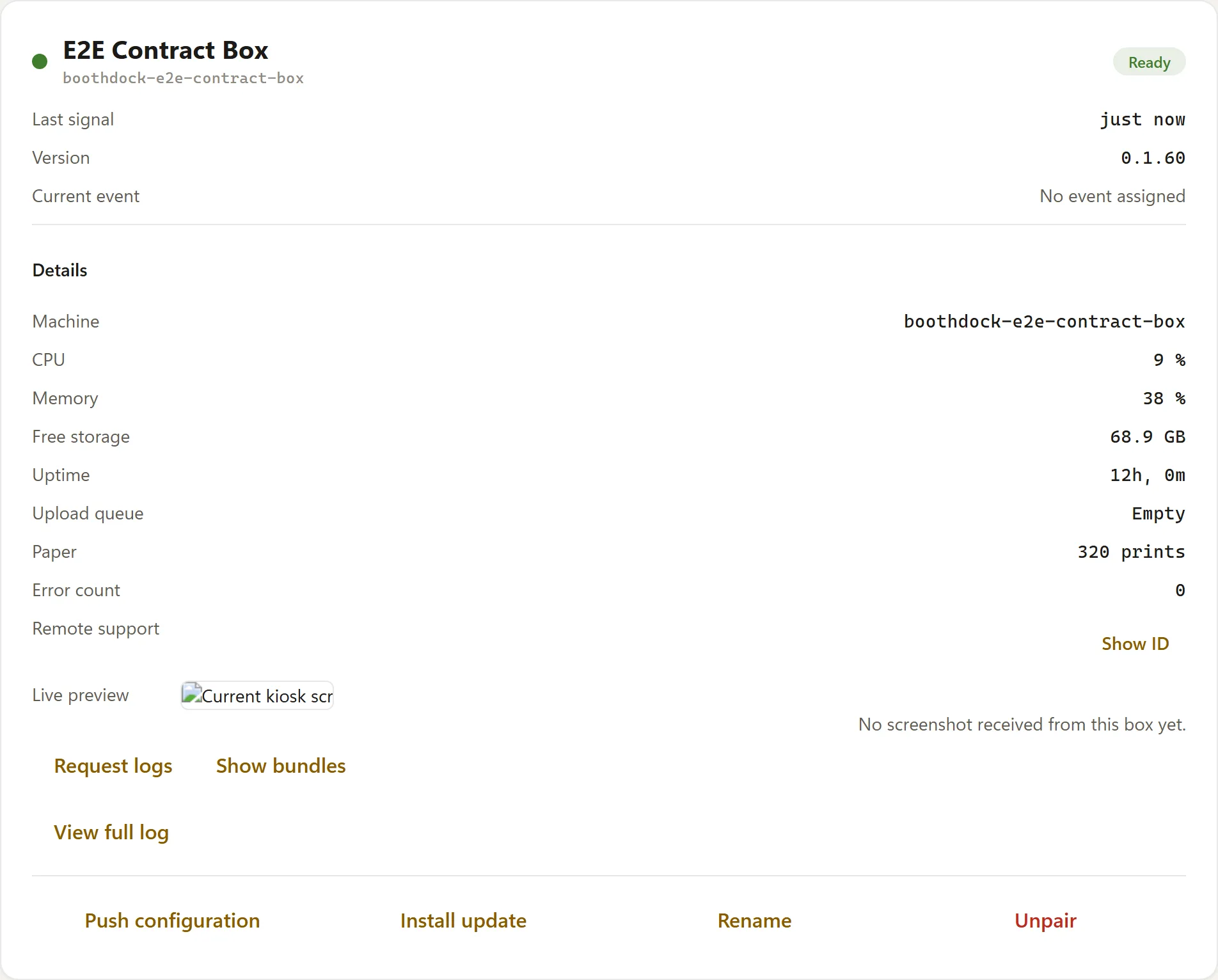
- Remotely – from the Hub via Boxes → Trigger update (remote commands).
Every update is verified via SHA256 + size before being applied; a corrupted download is discarded and not applied.
Uninstallation
When uninstalling via Windows ("Apps & Features"), the uninstaller asks whether the local data (settings, events, saved captures) should also be removed:
- No (default) – only the program is removed, your data is kept.
- Yes – everything is deleted (irreversible).
Pairing and the embedded remote support (RustDesk) are removed along with uninstallation.
Next steps
- Box status and remote commands
- Update stuck? → Troubleshooting: updates