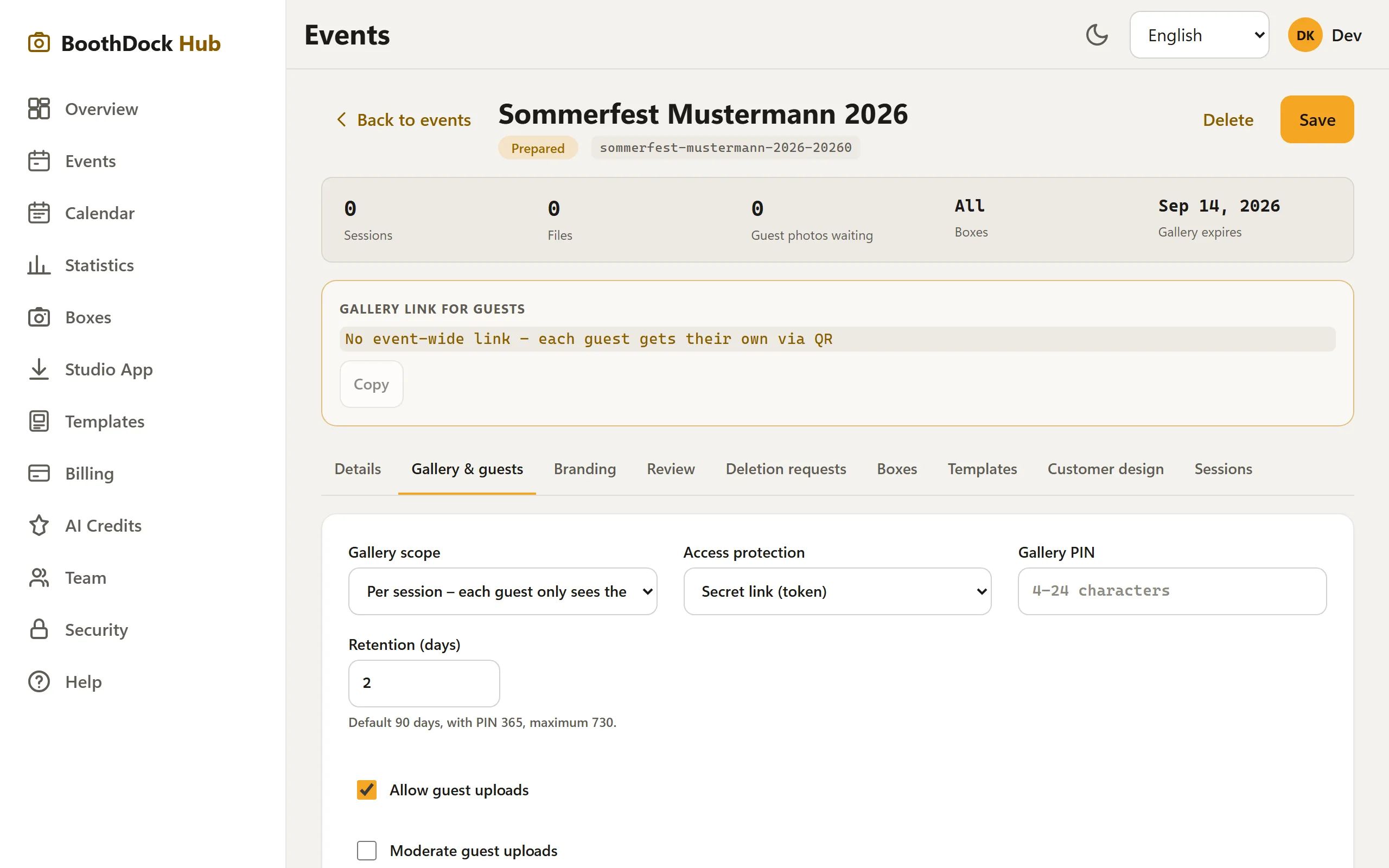
The gallery is never openly discoverable on the web. For each event you choose how access is protected – under Gallery & Guests → Access protection.
Two types of protection
- Secret link (token) – the gallery only opens for someone who has the complete link/QR code. The link contains a long, unguessable key. The default, and sufficient for most parties.
- PIN protection – in addition to the link, the guest must enter a PIN that you set (4–24 characters). Useful if the link is likely to circulate more widely.
Good to know
- Anyone who does not know the link gets a neutral "This link doesn't exist" page – it never reveals whether an album exists for an event at all.
- A PIN-protected album extends the default retention period (more time to distribute the link).
- If you change the scope from "per session" to "whole event", an event link is created; existing session links remain valid.
Deletion requests
Guests can request deletion of their photos via the gallery. These requests appear in the event under Deletion requests for you to process.