Guests can transform their individual photo into one of many AI styles (e.g. comic, anime, film look). Billing is done via credits per account.
How it works
- After the shot, the guest chooses a style; the Hub transforms the photo (EU-hosted, GDPR-compliant). The result appears on the result screen.
- 1 credit = 1 transformation, with one free retry (the guest may change the style when retrying).
- If the AI fails, the credit is not consumed.
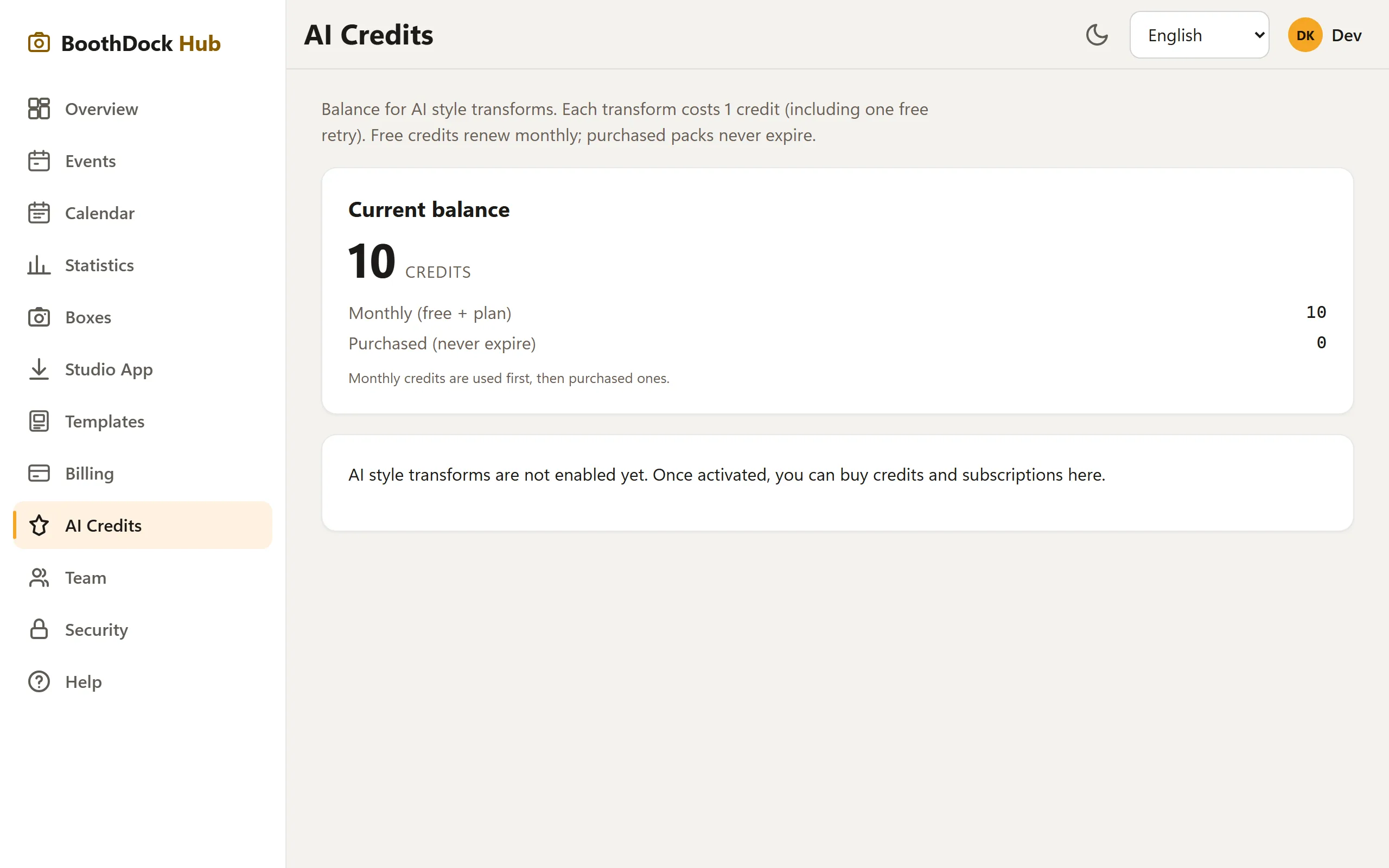
Managing credits
In the Hub under AI credits:
- View your balance (monthly allowance + purchased credits) and usage.
- Buy credits (packages, never expire) via Stripe checkout.
Curating styles at the kiosk
In the box app under Capture modes → AI, you turn on AI mode and choose which styles are offered to guests (default: all). Visible AI labeling is configurable; a machine-readable label is always embedded in the file (EU AI Act).
Requirement
AI transformation runs via the Hub – so the box must be paired. If it isn't, the app shows this honestly.