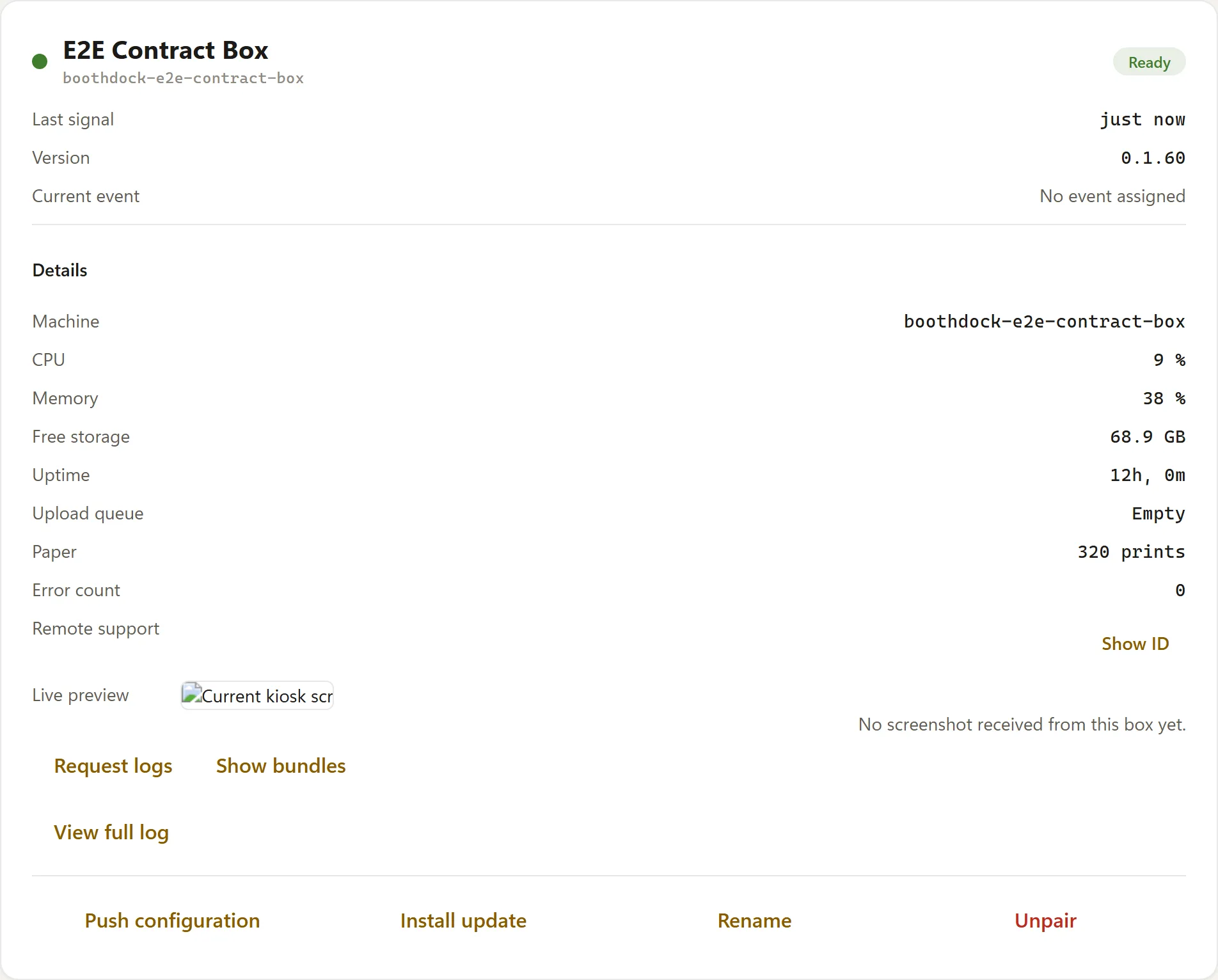
The embedded remote support (Hub → Boxes → Open connection) connects you encrypted to the event PC.
Checklist
- The box must be online (heartbeat in the Hub) – there's no connection while offline.
- The box needs a current Studio version; remote support is set up automatically during setup.
- Outgoing connections on the venue's Wi-Fi must be allowed (remote support establishes an outgoing, encrypted session).
"Wrong password" / connection drops
- Reconnect once – the session is established fresh.
- If that didn't help, request a log bundle (Hub → Boxes → Request logs) and contact support.