No printout comes out
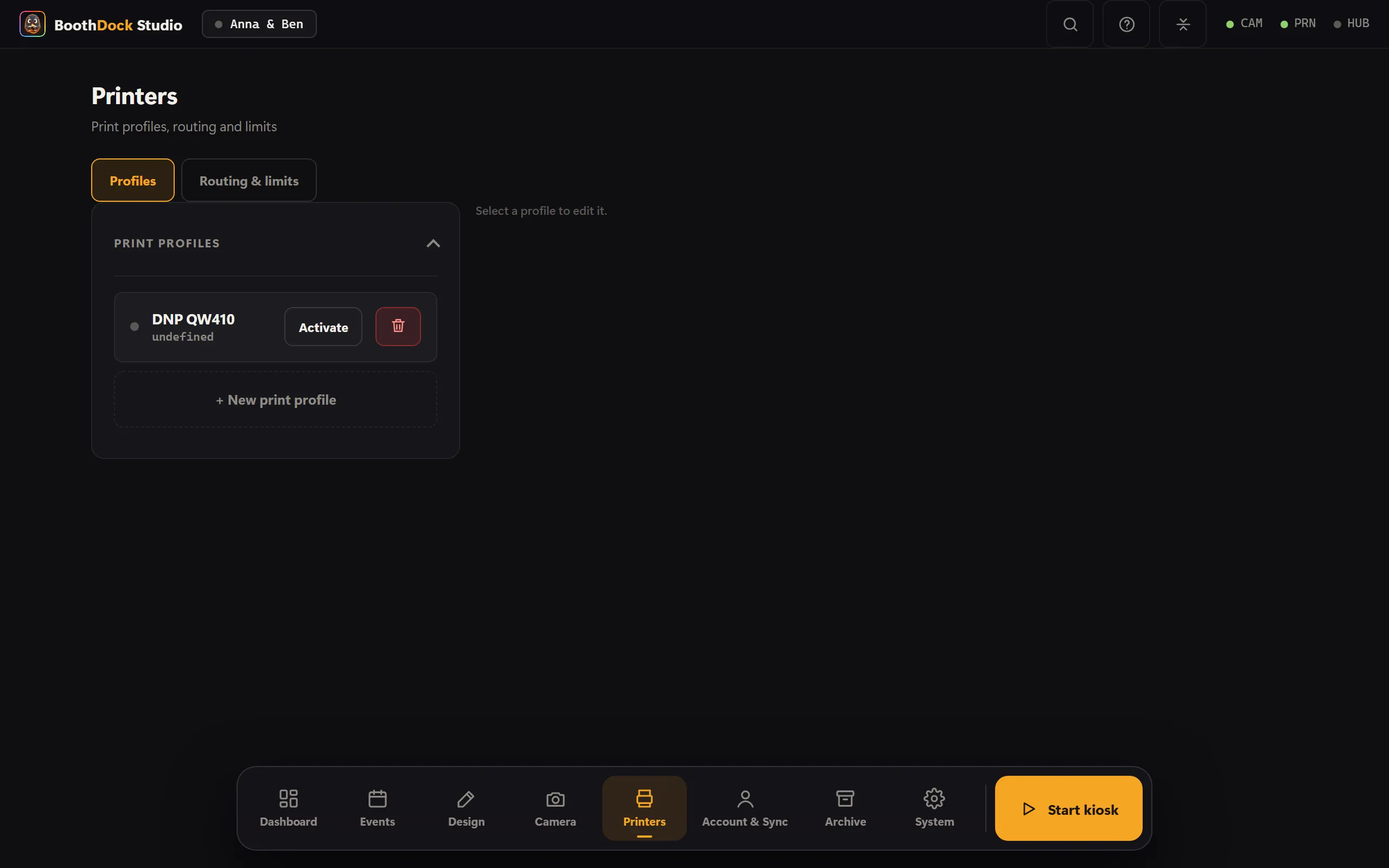
- Is the correct printer selected and reported ready by Windows?
- Is there paper and ribbon? The heartbeat in the Hub shows the paper level.
- Does the template format match the printer (e.g. strips on the strip profile)?
A printer is stuck
A stuck printer blocks neither the capture time nor the next guest – the session continues. Check the printer (jam, ribbon) and reprint the shot from the gallery.
Nothing prints even though it reports "printed"
- Has the print limit been reached? Check the per-session/per-event limits.
- DNP printers: the driver dialog must be configured correctly (format/cut). After a driver update, double-check format/cut.