BoothDock consists of two tools that work together:
- The box (BoothDock Studio) – the software that runs at the event on the photo box PC (Windows) or on an iPad or iPhone. It controls the camera and printer, guides guests through the capture, and keeps running even without internet.
- The Hub (boothdock.cloud) – your online cockpit. Here you create events, publish galleries, manage boxes, AI credits, team and subscription – from anywhere, without needing to touch the box.
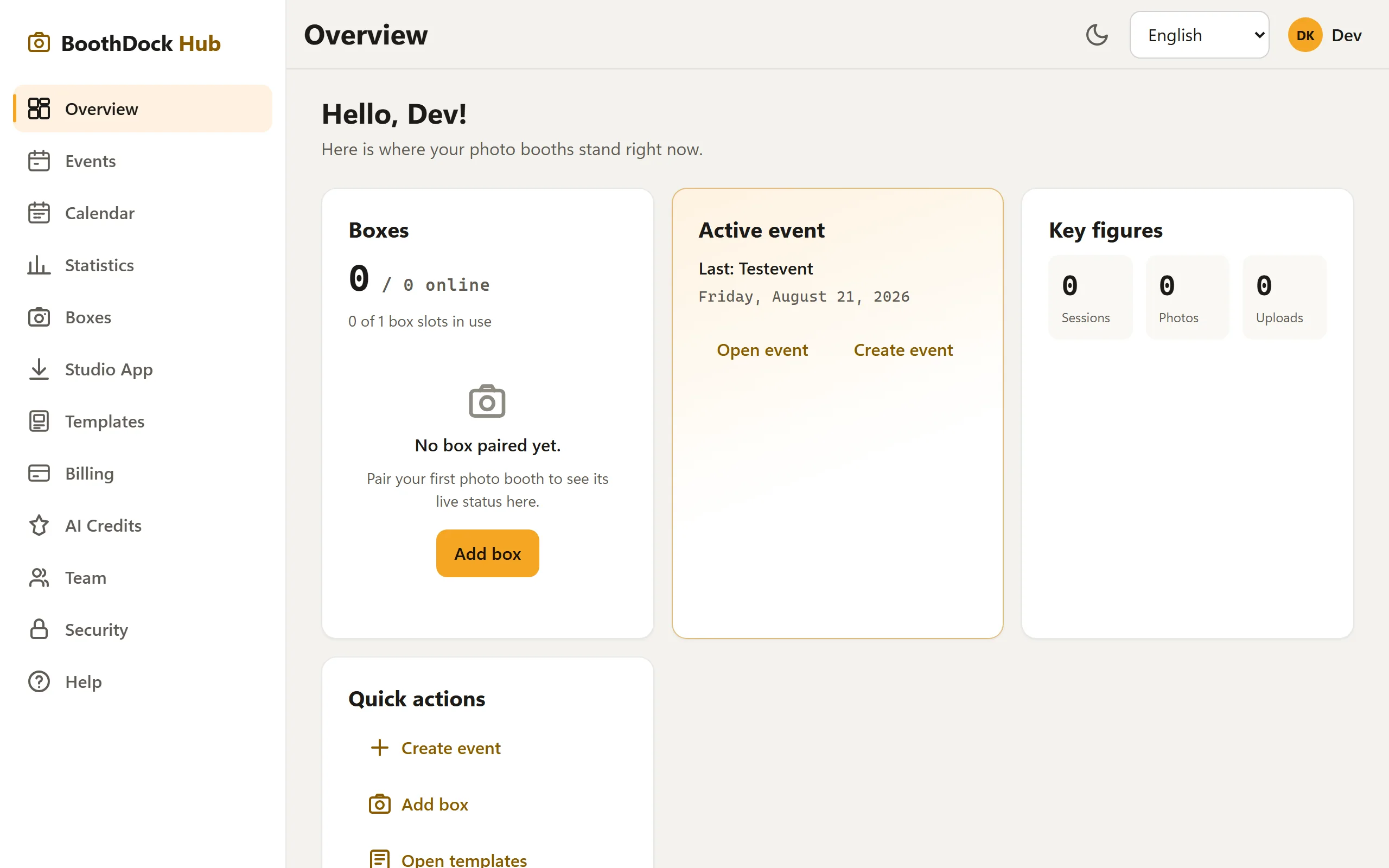
The typical flow
- Create an account in the Hub and install Studio – on the photo box's Windows PC or on an iPad or iPhone.
- Pair the box – connect the box to your account (once, via a pairing code).
- Create an event in the Hub, set up templates and the gallery.
- At the event: guests take photos at the box, print and share them.
- Afterward: photos are in the gallery; you publish it, guests download via QR code.
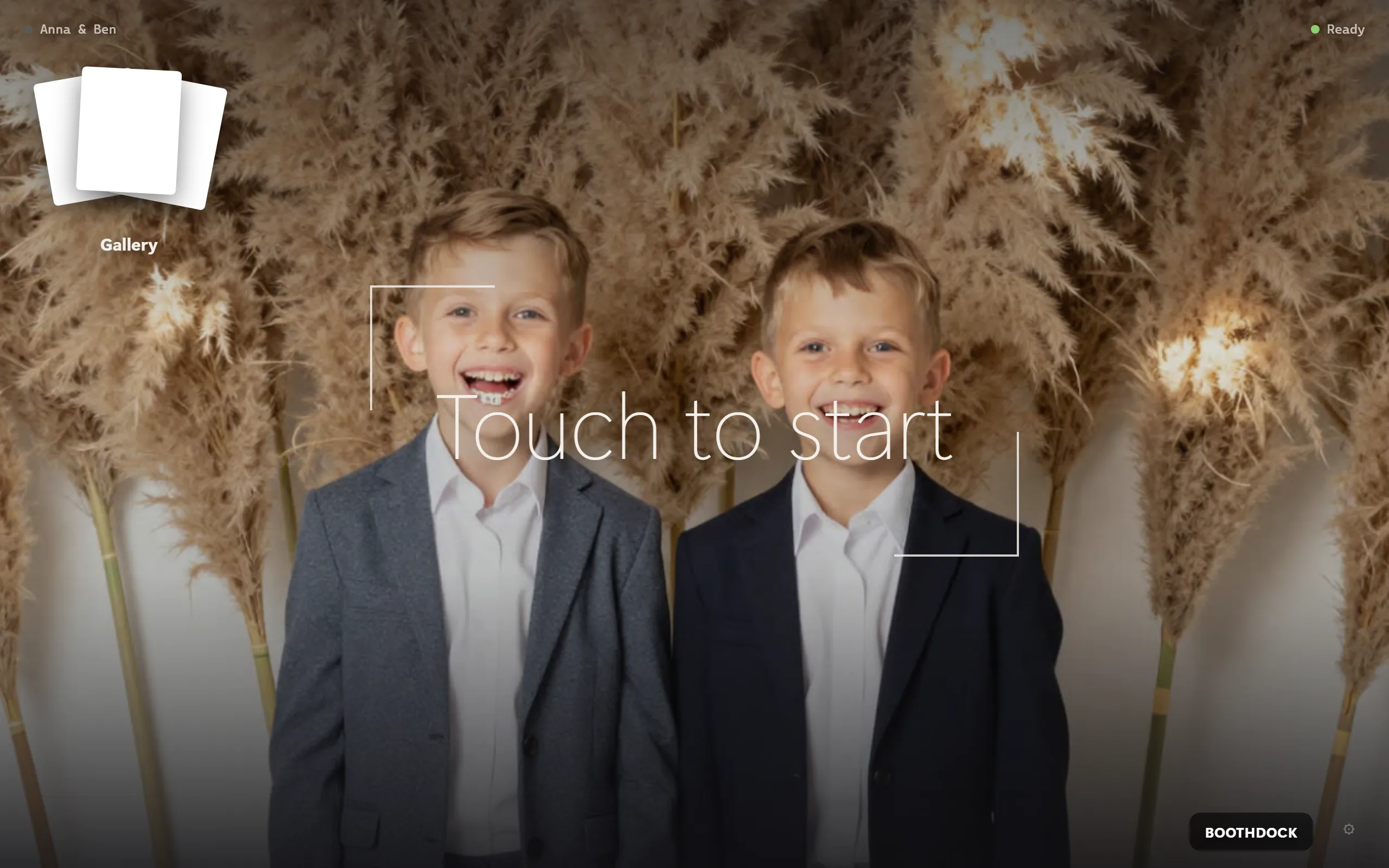
What works without internet
The box is offline-resilient: capturing, printing and the local gallery all work even if the venue's Wi-Fi drops. Uploads and the Hub display catch up as soon as the network is back.